Settlements
How to Import Settlements
How to download a settlement CSV from MyGroundBiz and import it into your HaldiTech account.
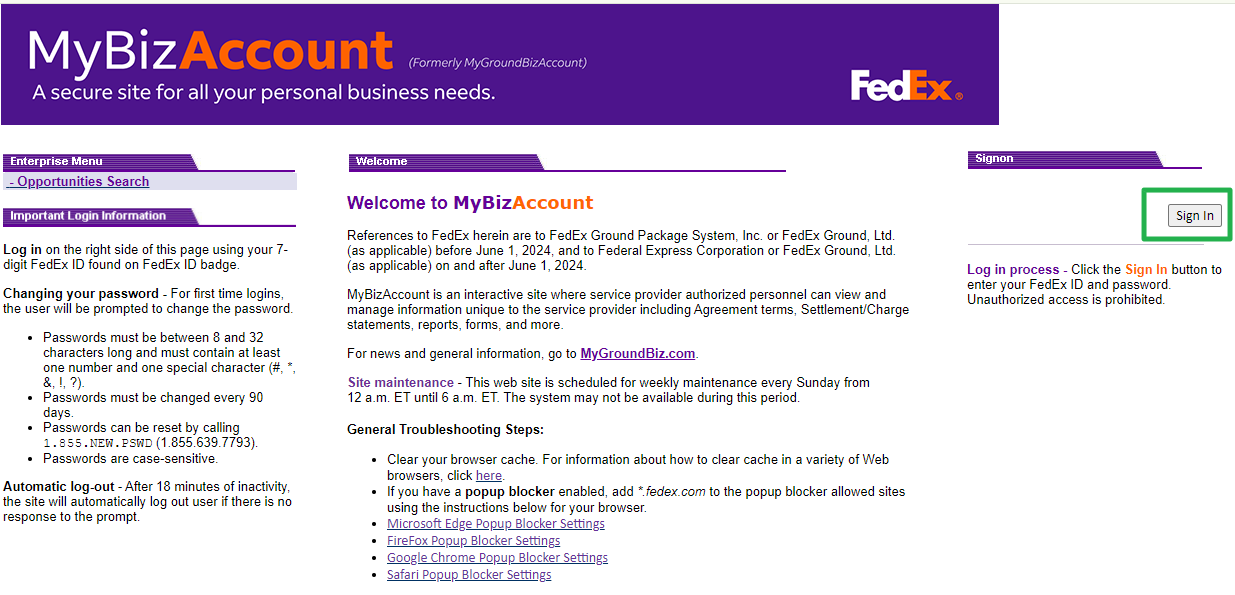
Step 1. Sign in to MyGroundBiz.
First, go to your MyGroundBiz Portal and sign in.
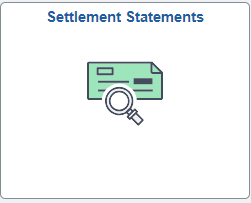
Step 2. Open Settlement Statements.
Click on Settlement Statements.
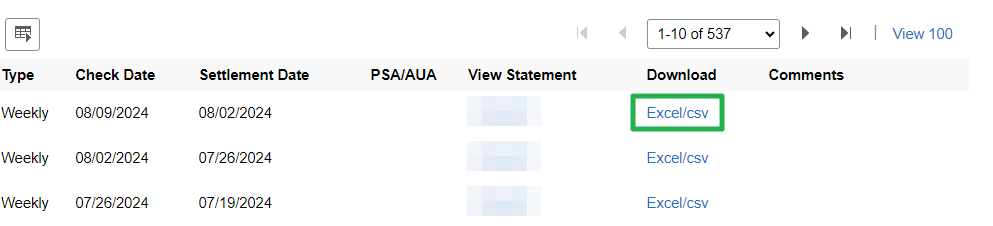
Step 3. Download the settlement as a CSV.
Find the settlement you want to work on. Download it as a CSV file.
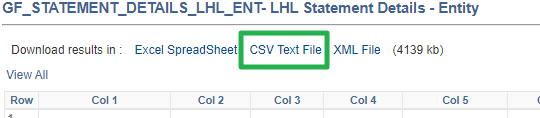
Then click "CSV Text File" to download.
Step 4. Start the import in HaldiTech.
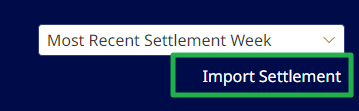
Log into your HaldiTech account. In the upper right of the dashboard, click "Import Settlement".
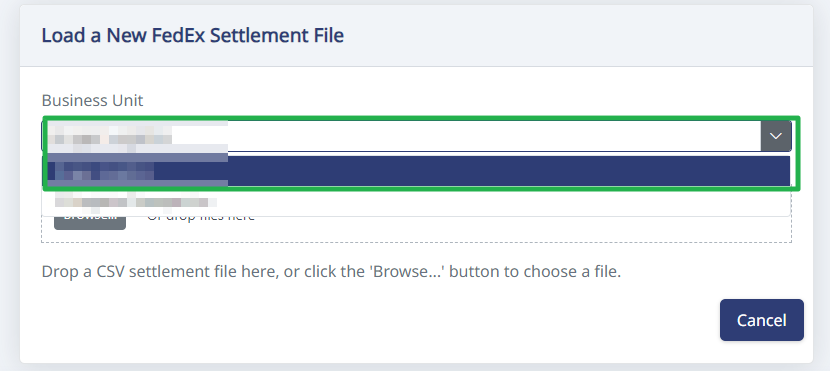
Important: If you have more than one contract, you'll need to select the company from the dropdown before uploading the settlement.
Step 5. Upload the CSV file.
Drag and drop the CSV file or click the Browse button and upload the file.
Need help?
Email support@halditech.com or call us at (470) 594-2534.